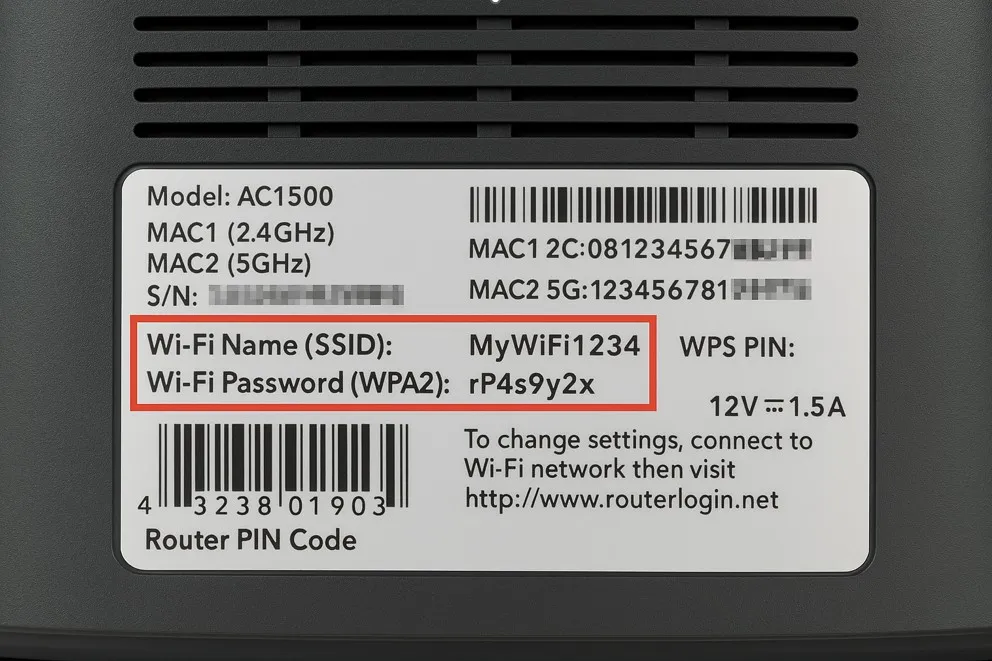
Wi-Fi setupUpdated 4 days ago
Select Wi-Fi setup. Enter your Wi-Fi Name (SSID) and Wi-Fi Password exactly as shown on your router’s label (case sensitive).
Tap Connect.


- Give your diffuser a name (e.g., “Lobby”), confirm the location, and tap Add Diffuser.
- You'll be offered a walkthrough for setting your first schedule. Please see the information bubble on the top right for details or tap Skip to set one later.

- Choose your preferred time window and days of the week.
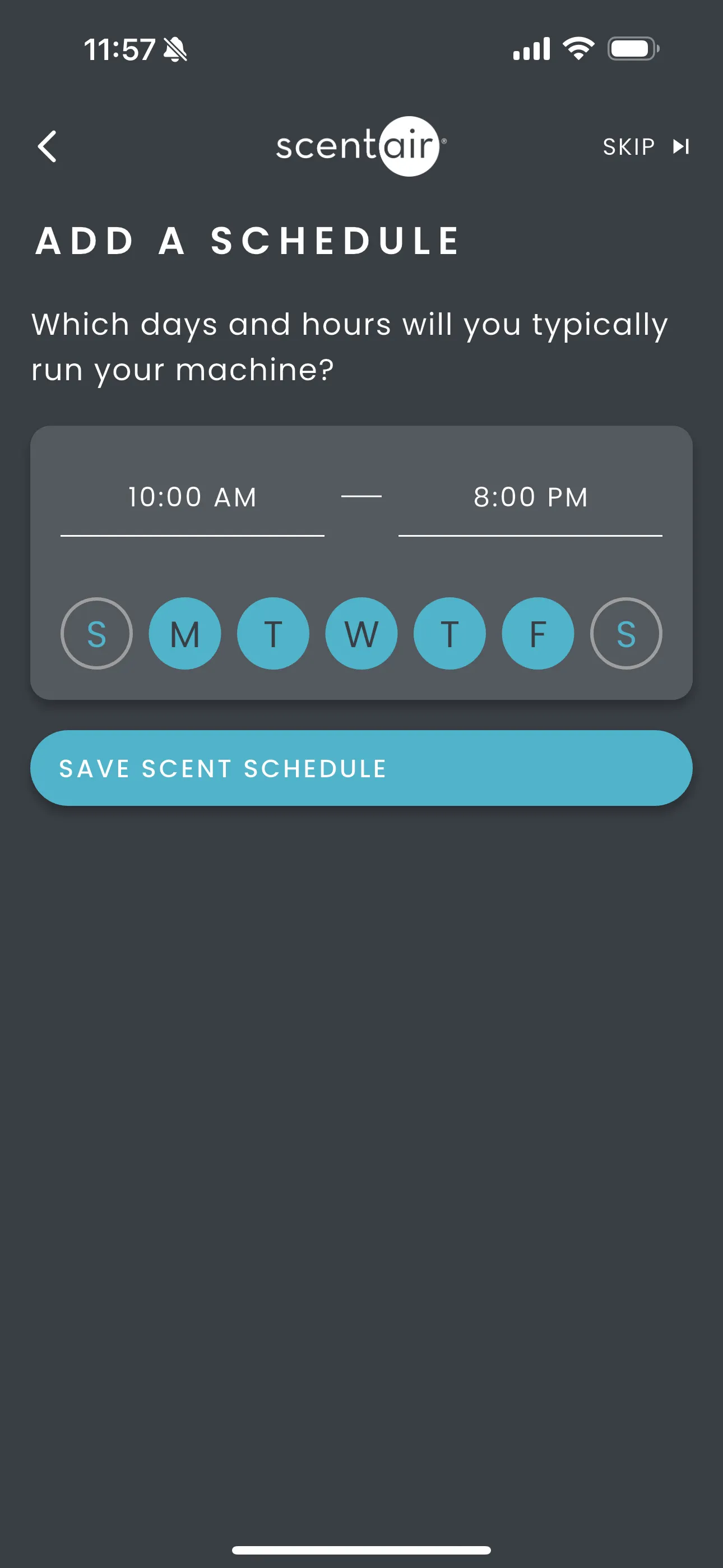
- Choose your Scent Intensity by adjusting the sliders. For more details go to the Scent Intensity section below
- Tap Save

- A message will appear while the diffuser connects to the internet. After about a minute, the red Wi-Fi symbol in the top right will disappear, confirming the diffuser is connected.