
Bluetooth setupUpdated 3 days ago
Give your diffuser a name (e.g., “Lobby”). (Note: Bluetooth names must be 8 characters or fewer.)
Confirm the correct location and tap Add Diffuser.

- You’ll be offered a walkthrough for setting your first schedule. Please see the information bubble on the top right for details or tap Skip to set one later.

- Choose your preferred time window and days of the week.
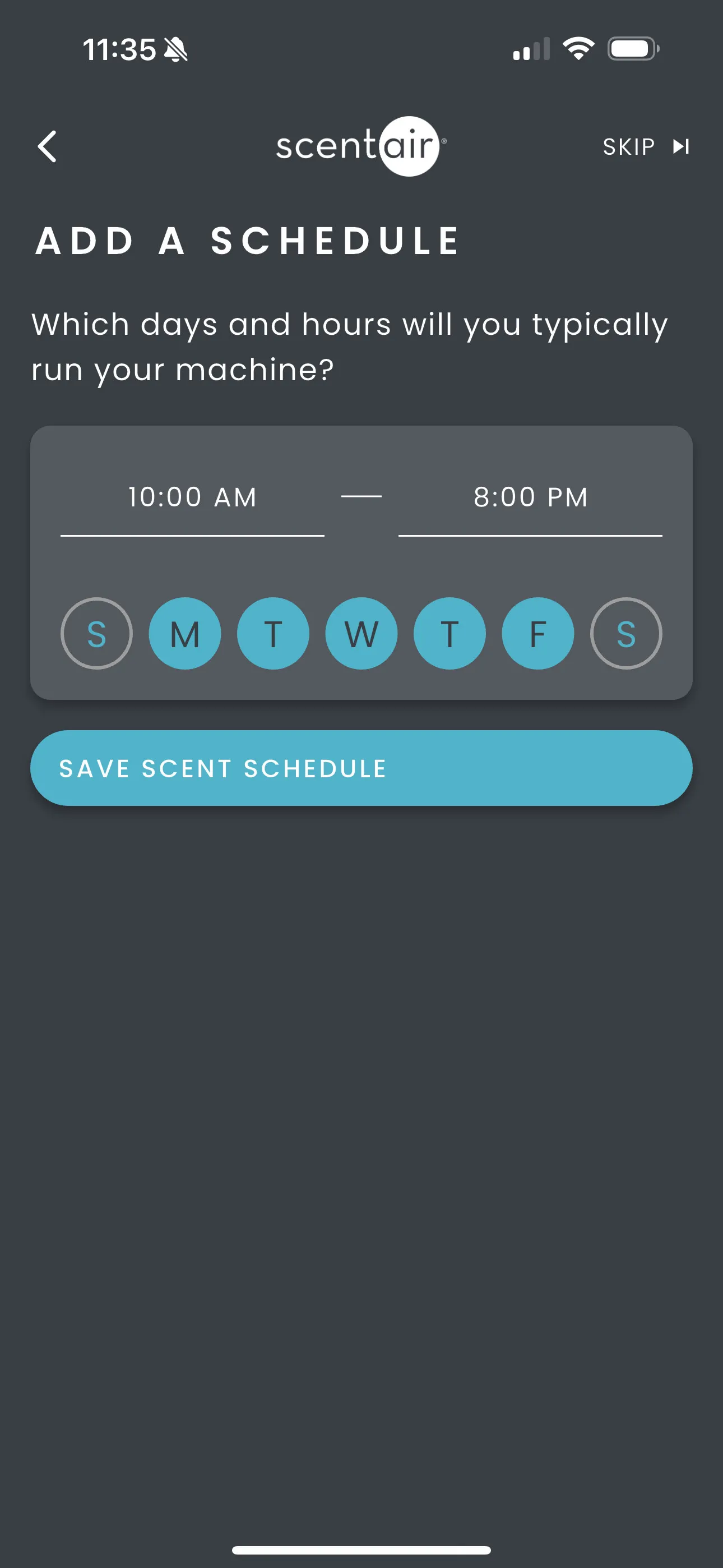
- Choose your Scent Intensity by adjusting the sliders. For more details go to the Scheduling Made Easy section below.
- Tap Save
- Your diffuser is now set up with Bluetooth. Schedules are saved directly on the device and will continue running even when your phone is away.
