Connecting your deviceUpdated 4 months ago
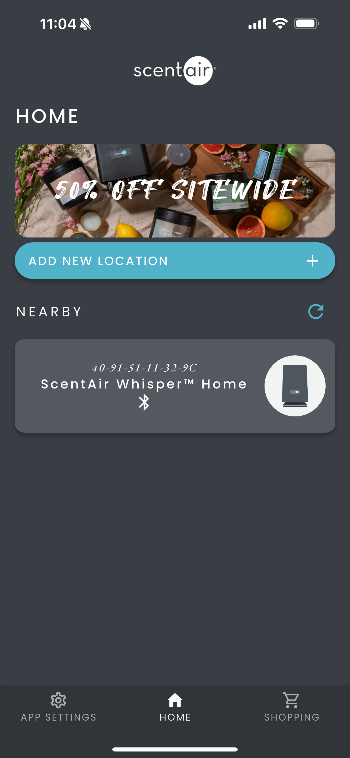
Once inside the ScentAir app, you have two ways to connect and manage your diffuser:
- Nearby Device Control – quickly connect to a diffuser that is close to you.
- Add to a Location – organize your diffuser under a location (e.g., “Home” or “Office”) for more features and easier management.
✦ Using Nearby Devices
- Tap your diffuser from the Nearby Devices list.

2. The app will connect and open the Control Screen.
3. If the diffuser does not have a schedule, tap the plus (+) icon or the red calendar at the top to add one.
4. Set your preferred start and stop times, days of the week, and fragrance intensity.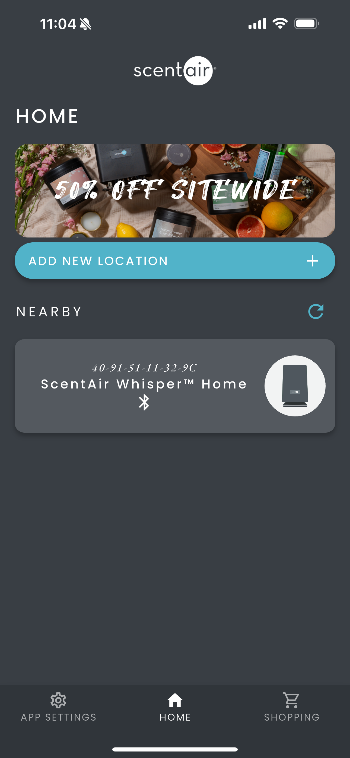
5. Tap Save Scent Schedule.
6. Your schedule is now active. You can add multiple schedules, as long as they do not overlap.