
Adding a location & diffuserUpdated 4 months ago
Step 1: Create a Location
- Tap Add New Location.
- Enter a name (e.g., “Home” or “Office”).

- Confirm the correct time zone (important for diffuser scheduling).
- Enable Notification Alerts if you want updates on your diffuser.
- Tap Add a New Location.
Step 2: Add a Diffuser
- Under your new location, tap the plus (+) symbol.

- Select the diffuser you want to add.
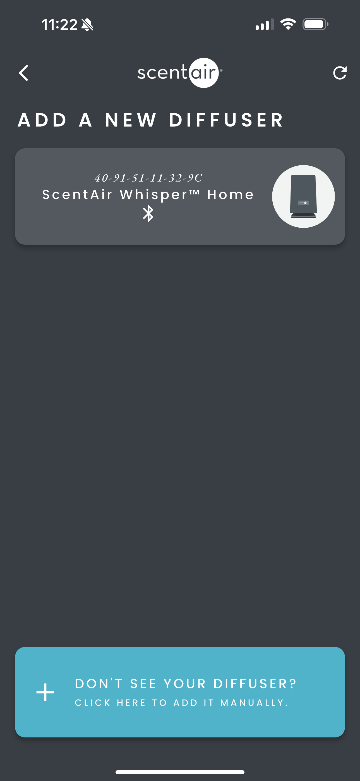
- Choose your setup method:
- Bluetooth (Recommended)
- Wi-Fi